
How to Program Midi Control Surfaces
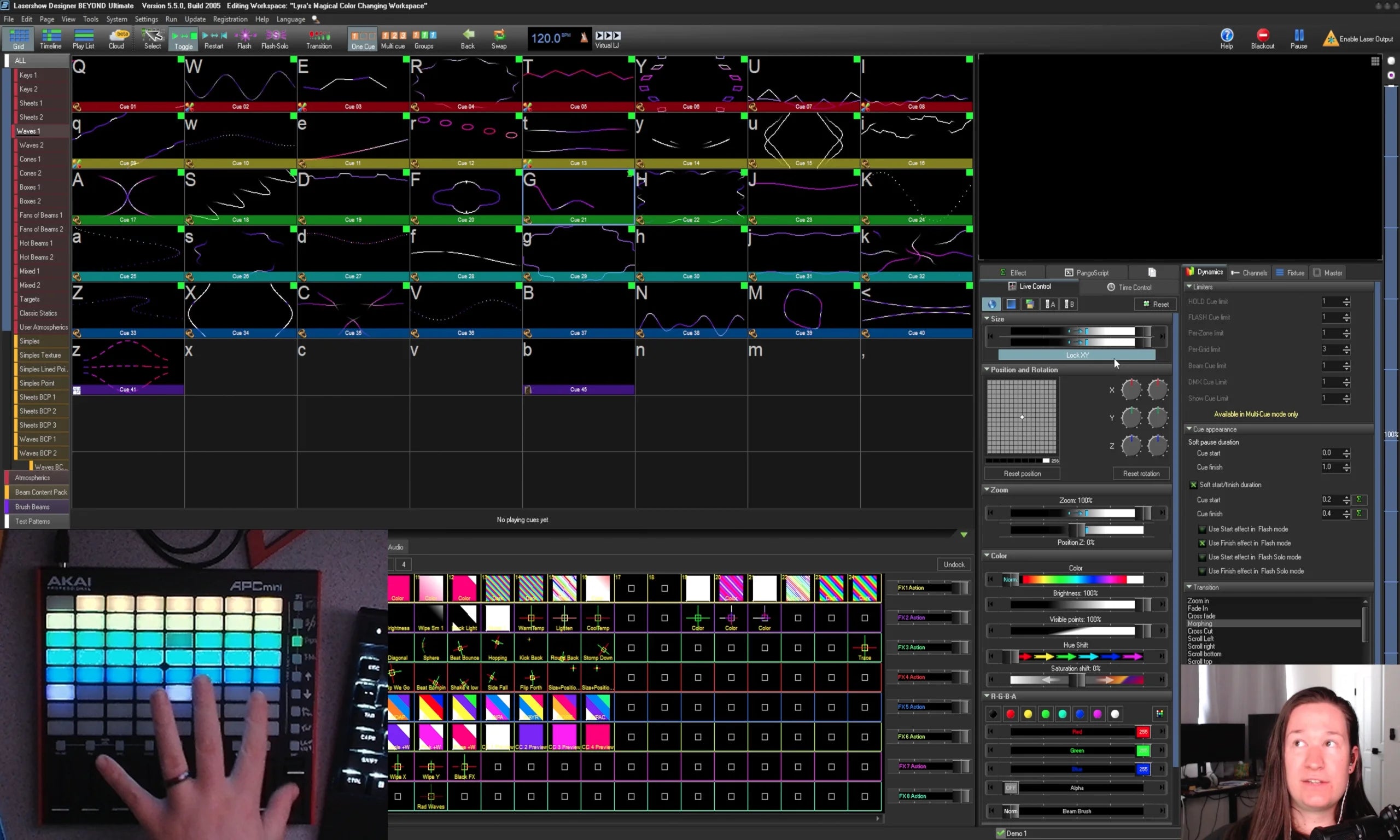
In this course you will learn how to program Midi Control Surfaces for BEYOND utilizing the built in tools, as well as utilize scripting, objects and more to make the controller do exactly what you want.
To access the course after you purchase, click the account icon in the top right (if you're on desktop) or the three bars that is in the top left (on mobile).

Overview
In this course you will learn how to map a midi control surface to many elements within BEYOND.
First, we will discuss the protocol of Midi and how to figure out how your midi control surface will communicate to BEYOND. Then use that communication to use the pre-made tools inside the BEYOND midi mapping tools based on a plan we will make for the control surface.
Then we will do a lot with custom tools and PangoScript to create multiple custom tools and program multiple layers on your midi control surface to achieve more and more tools all on a single device. Custom tools including, Color picker, Zone flips, Selections, custom slider values and more!
Then there is a bonus discussion the BEYOND Performer Console showing some more details for that device and how to make customizations to the map if you have that console.
Total watch time
2 Hours 50 Minutes
Requirements to have for the course:
- BEYOND Advanced (Ultimate recommended)
- A midi control surface you would like to program.
Language
Course is in English. Captions have been automatically generated, auto generated captions in other languages available upon request.
Suggested viewing
Plan to view this course on a desktop or larger screen, a phone screen will be too small to follow along.
To continue to the next section, you will need to completely watch the video and then scroll down to the "Complete and Continue" button. That button will only become available after the videos of each section are watched, then you will be able to continue.
If you have any questions or concerns during the course, please email support@pangolin.com with questions referencing the course, and particular lesson number and name.
Before you buy
Before starting the course, it is recommended but not required to be familiar with the following free training resources:
- PangoScript [Complete Help Docs]
- https://youtu.be/Sduyes9_K6w?si=Z0T2W44mRH8nQdgZ
- https://youtu.be/8j0LSUu9lxA?si=4dTTWeUSN-XqwYRZ
- https://youtu.be/1UlxzzIRpiI?si=D40Lp-3dA0X4VI2N
- PangoScript Commands [Complete Help Docs]
You may also want an Akai APC Mini MK2 to fully follow along, but you can really use any midi control surface to follow along, but the course uses the Akai device as it is very common and extremely affordable for a midi control surface.
Full course syllabus
- Overview
- Content Length
- Requirements
- Pre-Requisites
a. The Object Tree, and how it relates to control parameters in BEYOND
b. Midi Control is when we take an external input, and then map it to objects and parameters
c. What are midi devices and what are their "notes"
d. Hexadecimal vs Decimal
e. How to read your midi surfaces manual
a. Designing and discussing a plan for your map
b. Diving into our midi device communication protocol
c. Make notes early on for colors, common codes, and important parts to your map
a. Mapping Pre-Built Tools
b. Main button grid for cues
c. Quick FX button grid
d. Main sliders
e. UI Buttons
a. Basics of pangoscripts for midi, and important start codes
b. Examples of the types of scripts that will be used when midi mapping
a. Implementing layer changes for midi controllers
b. Setting the colors for your layers to build from
c. Building a color picker
d. Building zone flips and selection tools
a. Creating custom fader functions and ranges for particular layers
b. Using objects, and "extra value" for custom items
c. Other custom items you may want to add
a. Bonus content
a. Design a midi mapping plan for your own controller.
b. Map out some of the pre-built functions.
c. Create a multi-layer midi control device.
d. Use pangoscript to create your own functions with objects