
How to Build Large Format Displays with Lasers (Canvasing)
In this course you will learn how to use multiple lasers to create one big display, otherwise known as "canvasing". Which can be useful for laser mapping, large graphic displays and more.
To access the course after you purchase, click the account icon in the top right (if you're on desktop) or the three bars that is in the top left (on mobile).
Overview
Welcome to the course on "Canvasing". Before we even get started let's discuss what we mean by canvasing. Canvasing is when we take multiple lasers and build a large format display, sometimes that means it's very large, sometimes it's to just improve brightness, sometimes its to reduce flicker, but usually its some combination of them.
We will discuss the three kinds of combining lasers for graphic displays "Stitching", "Stacking", "Distribution". And their advantages and disadvantages and then learn to combine to them "Canvas" large format displays.
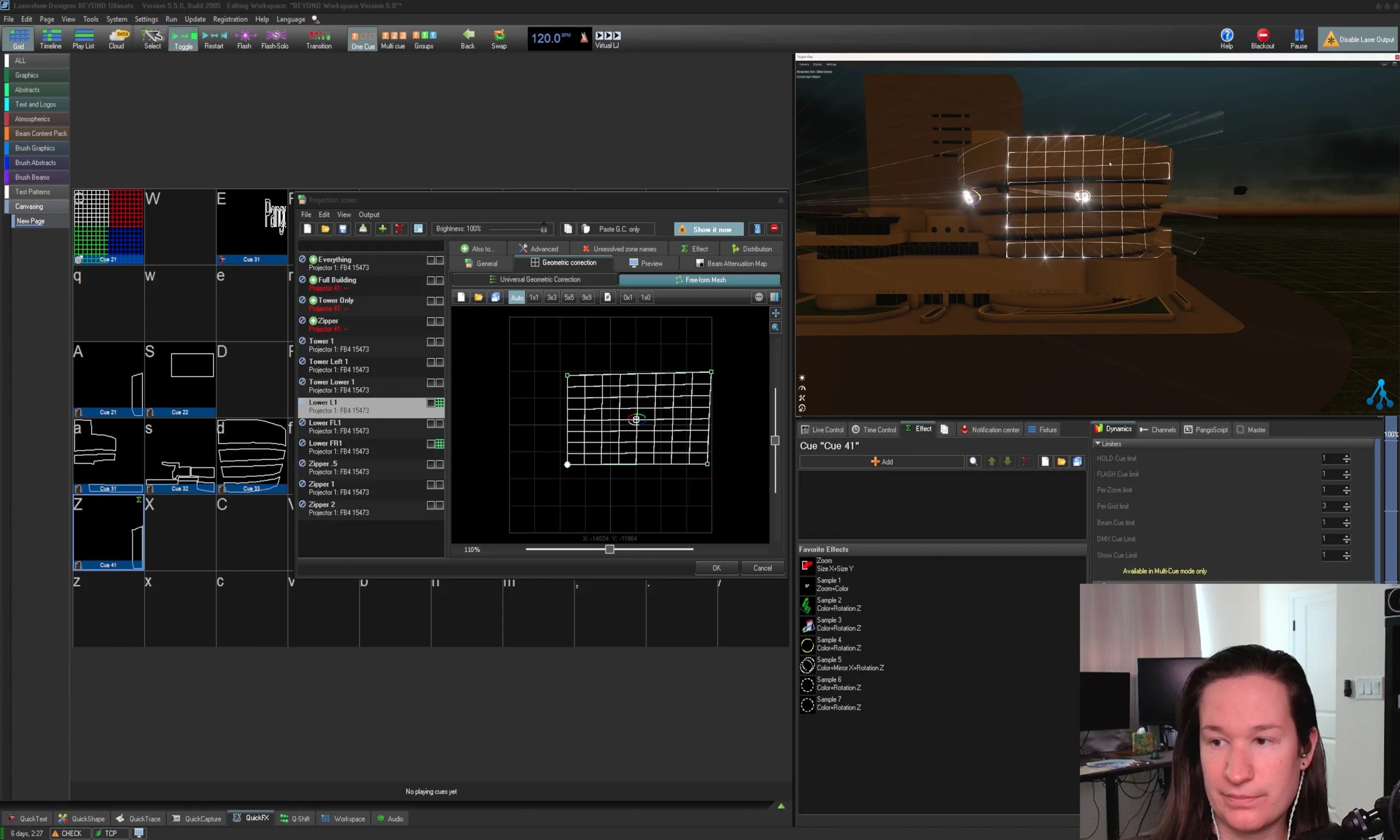
This course uses two common examples, a sports field in a stadium, and an unusually shaped building. These examples are done in 3D models within Depence, and separate the conversation by 2D canvases, and 3D canvases.
Total watch time
1 Hours 30 Minutes
Requirements to have for the course:
- BEYOND Advanced
- 2 laser projectors with well-tuned scanners
- Depence Laser Module (recommended but not required)
Language
Course is in English. Captions have been automatically generated, auto generated captions in other languages available upon request.
Suggested viewing
Plan to view this course on a desktop or larger screen, a phone screen will be too small to follow along.
To continue to the next section, you will need to completely watch the video and then scroll down to the "Complete and Continue" button. That button will only become available after the videos of each section are watched, then you will be able to continue.
If you have any questions or concerns during the course, please email support@pangolin.com with questions referencing the course, and particular lesson number and name.
Before you buy
Before starting the course, it is recommended but not required to be familiar with the following free training resources:
Full course syllabus
- Overview
- Content Length
- Requirements
- Pre-Requisites
a. Stitching
b. Stacking
c. Distribution
d. What Canvasing is
e. Also To
f. Distribution
a. A setup plan for the venue
b. Zone setup for 2D example
c. Meshing and how to mesh in Geometric Correction
d. Planning overlaps
e. Setting overlaps in Also To
f. Fading edges of overlaps
a. Planning for the building and the projection areas
b. Building Sub Canvasas
c. Masking areas with the "mask" effect
d. Stitching 3D surfaces with masks
e. Lighting up the overlap, and deciding overlaps based on viewer angle
a. Practice meshing zones from projectors on top of each other, on a square surface
b. Build a Flat Canvas of some combination of many lasers based on your situation
c. Do a mosaic of some sort of structure so you can plan a 3D canvas design