

Quick Overview
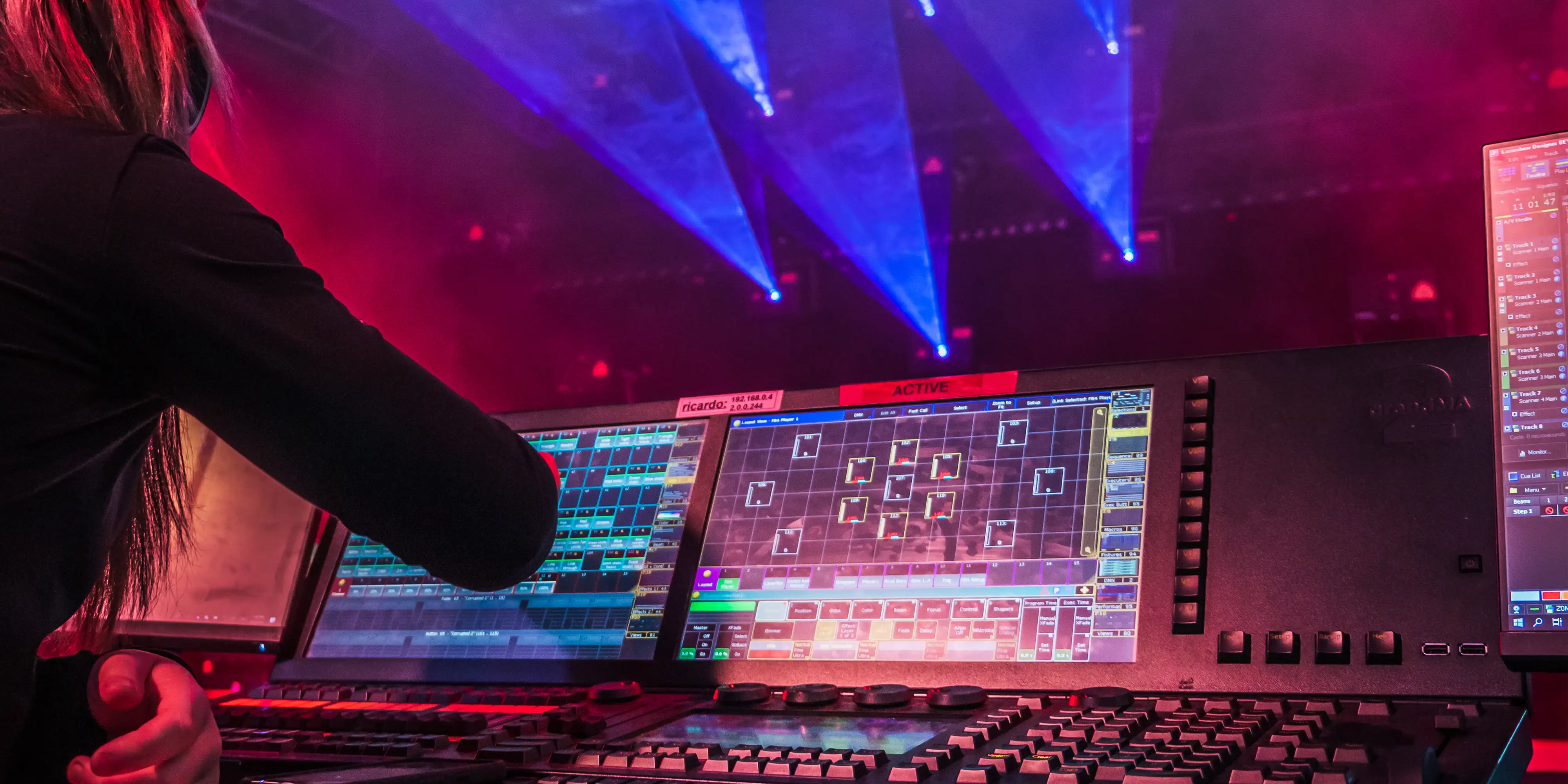
Lighting console mode is a workflow where you are actively using a lighting console (such as a GrandMA, Avolites, ETC, HOG, etc.), to control your laser display. Generally, this is done via DMX, ArtNET or using a timecode show setup and approach.
When using a lighting console, we recommend working with a laser that has FB4 integrated natively. You can see all lasers we manufacture with FB4 below:
Additional Resources
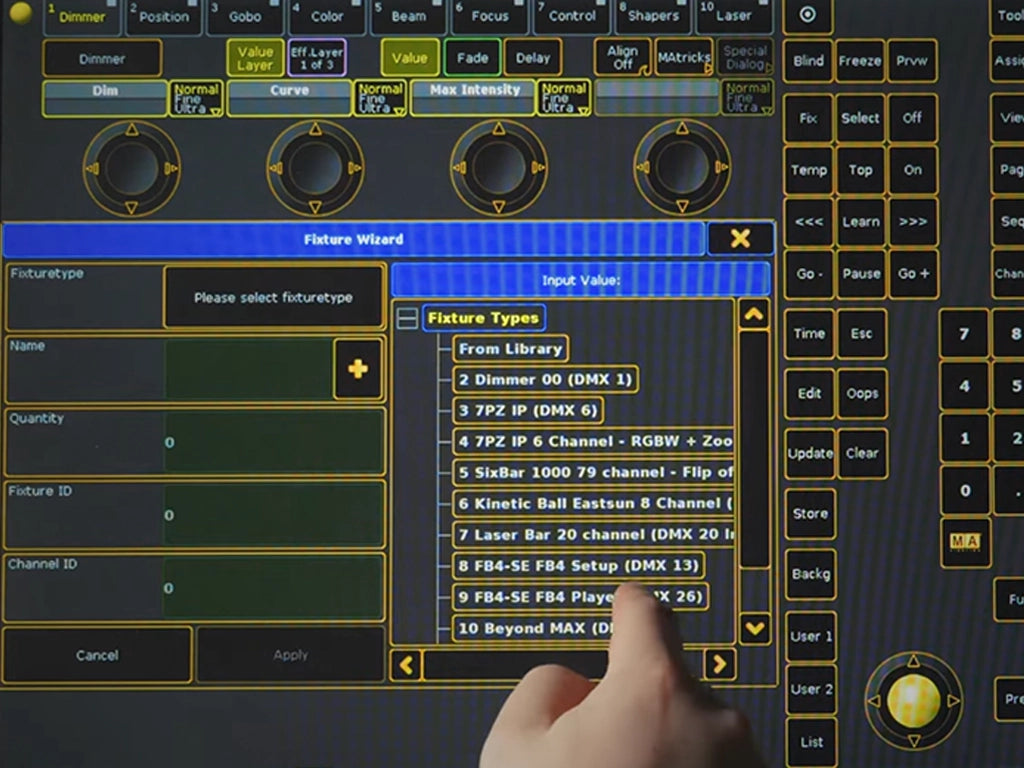
Beyond DMX Server Mode
Learn how to set up FB4 laser projectors as individual fixtures for DMX console control using BEYOND DMX Server mode.
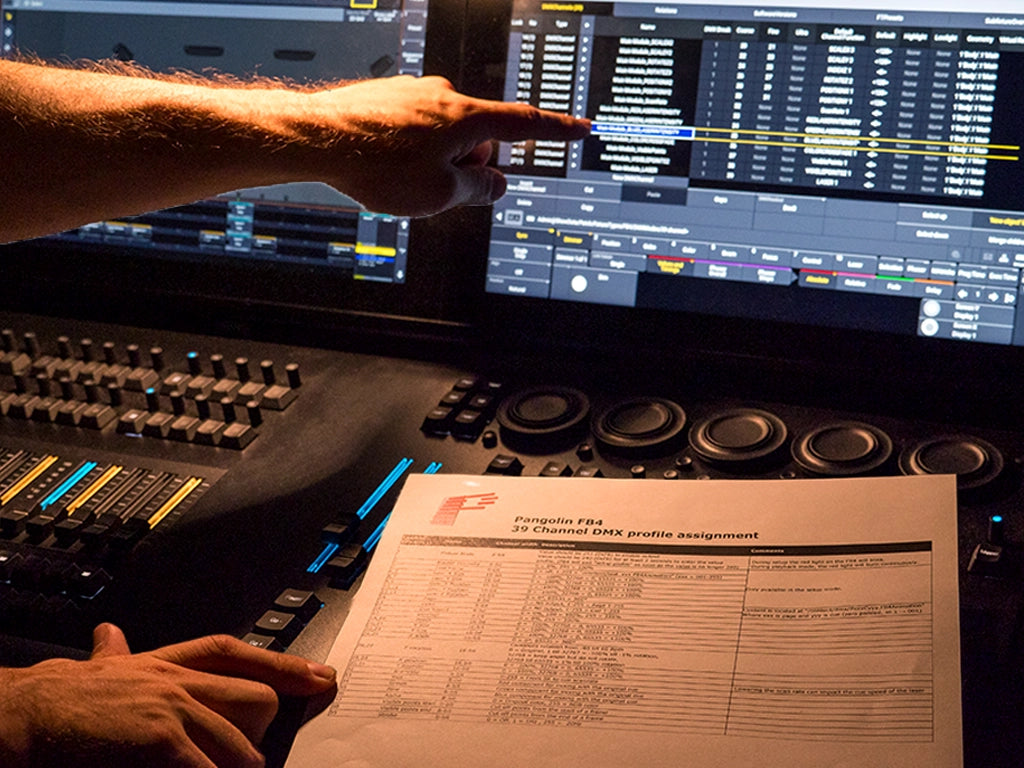
FB4 39 Channel DMX Profile Assignment
A PDF sheet with the channel assignments for the FB4 DMX profile.
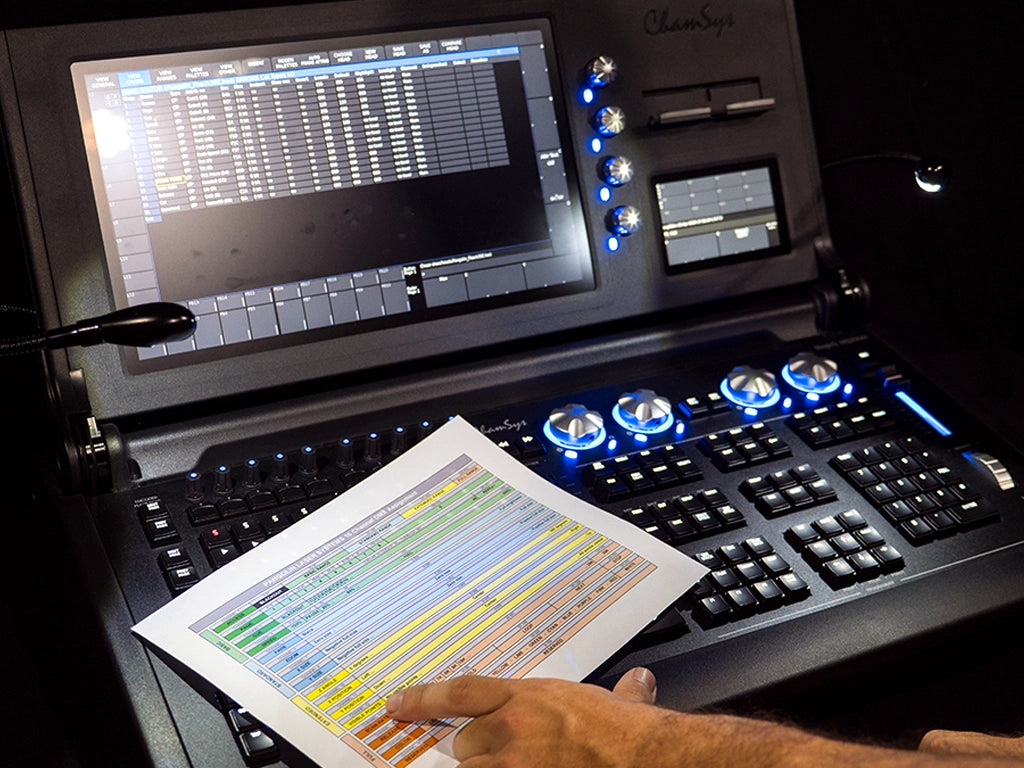
FB3 16 Channel DMX Assignment
A PDF sheet with the channel assignments for the FB3 DMX profile.
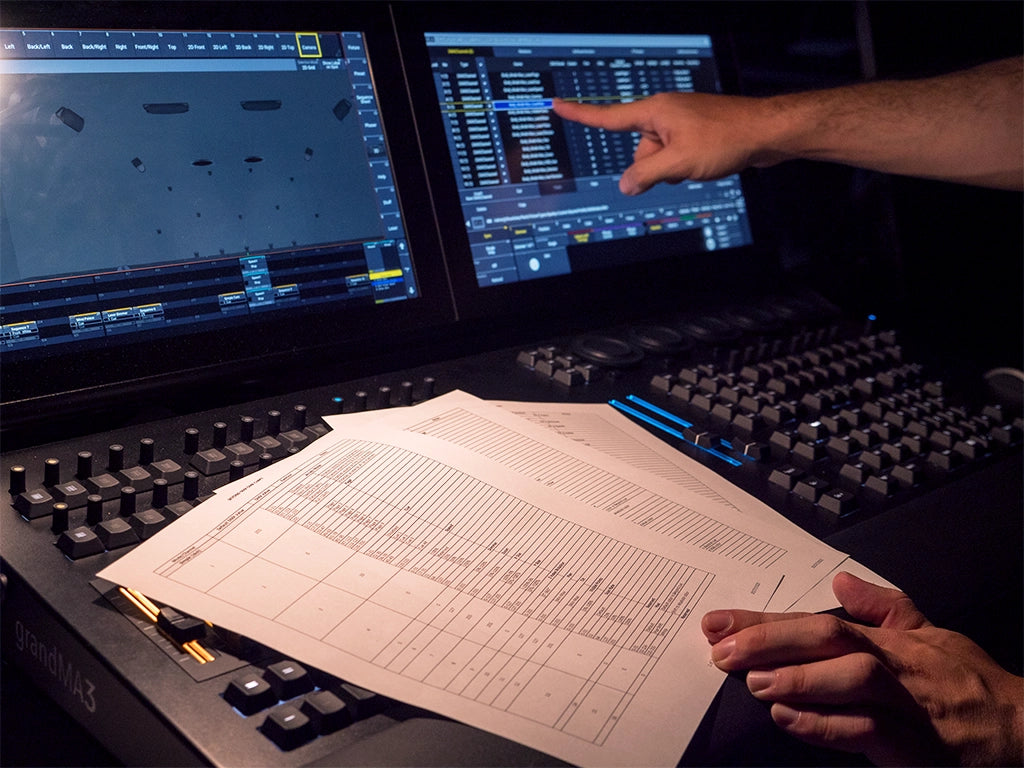
Beyond DMX Chart
A PDF sheet with the channel assignments for the Beyond DMX profile.
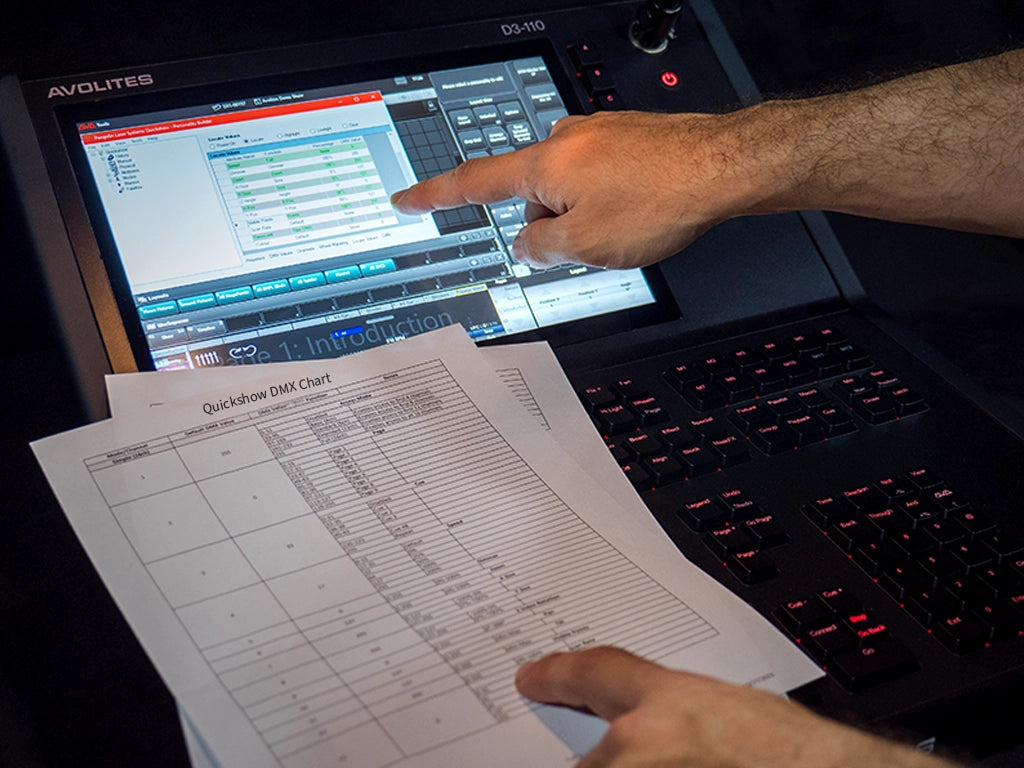
Quickshow DMX Chart
A PDF sheet with the channel assignments for the Quickshow DMX profile.
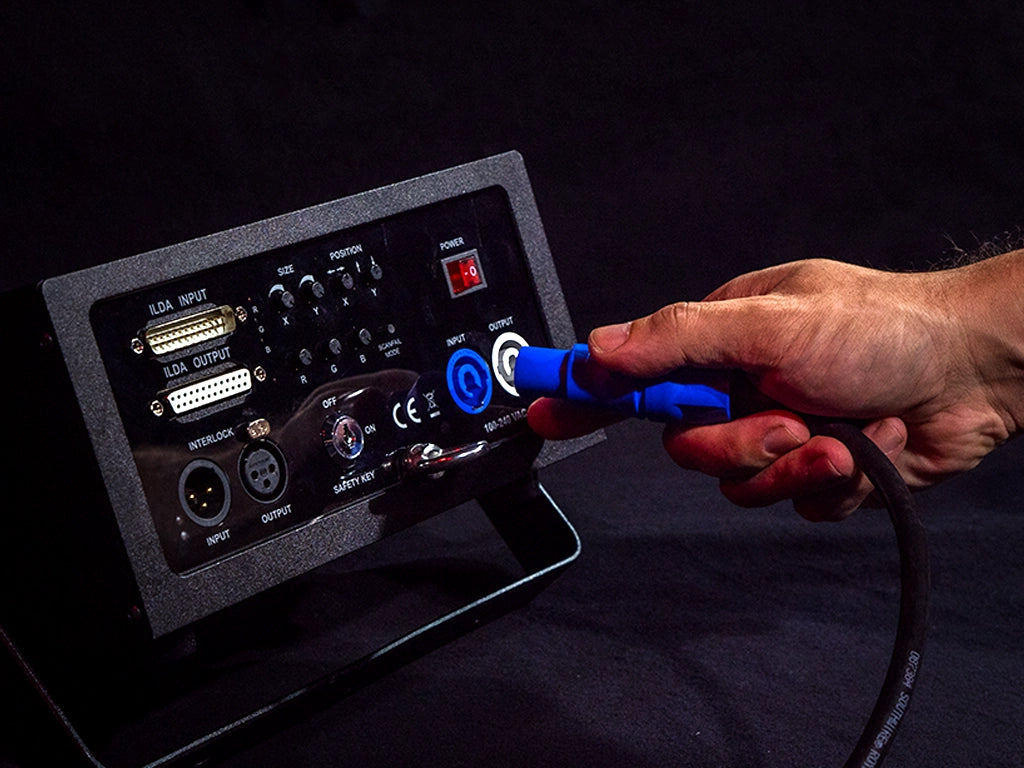
Hardware Connection Diagram
Learn how the most prevalent laser setups are connected.
Common Questions
So what exactly is a "lighting console"? A lighting console a piece of hardware that lighting designers and professionals use to control all of their stage lighting. This device is essentially the main hub for communication between all of the stage lighting. Although, with the advancement of technology throughout the years lighting consoles aren't limited to just controlling stage lights, nowadays consoles have the ability to interface with all sorts of devices using various control protocols such as DMX or ArtNET. Some of these devices include laser projectors, smoke or haze machines, pyrotechnics, and more.
To be able to control a laser from a lighting console, you must first ensure that you have a laser projector along with capable laser control hardware. If you do not already own a laser system, we would suggest checking out the tab "What kind of laser do I need to control it from a lighting console" to help you find the right laser system for the job.
Once you've ensured that you have the capable hardware to connect your laser to a lighting console, the next step is to watch our setup guide which takes you through all the steps to get your laser setup from a lighting console
For those who desire a more advanced setup which allows you to harness the effect and content creation engines within our laser show software, check out this video.
If you want to control an existing ILDA based laser, from a lighting console, there are a few workflows to accomplish this.
The first, is to use the FB4 External hardware device. This will give you most of the benefits of an FB4 based laser, but the device is external to the projector.
With this setup, an FB4 DMX controller is built into a custom external housing, allowing you to run an ethernet cable from the FB4 External and control your laser using DMX or ArtNET. Then, you will also have to run an ILDA cable from the FB4 External to the back of your ILDA laser projector.
Once you have FB4 External setup, you will now have access to DMX, ArtNET, and timecode control, giving you great flexibility to control your show laser systems from the lighting console of your choice.
The second option is to use the Enttec DMX USB pro hardware in conjunction with Pangolin software. You can see a few video examples on the Pangolin Wiki showing this setup with the links below:
QuickShow BEYOND
If you wish to control a laser display from a lighting console, the industry standard method is to use a laser with FB4 control hardware integrated inside. You can see examples of lasers with FB4, here.
With FB4 inside your laser system, you can immediately control the laser from a lighting console. Granting you access to over 3,500 pieces of custom made laser content, which is already installed on the FB4's memory. The parameters of these laser cues can be dynamically altered, parameters including size, position, rotation, effects, geometric correction, safety, colors, and more.
Additionally, FB4 comes with Pangolin's QuickShow software free of charge. So if you want to create custom content, you can go into the software, design customized laser content yourself and then export that content to the FB4. You can then control this content from a lighting console over DMX or ArtNET, without needing to use the software in the final show workflow (the software is only used to design and create content). This gives you complete creative freedom to design your laser displays and control them from the lighting console of your choice.
If you are using Console or Auto mode with an FB4 unit, you are able to customize the content loaded onto the SD card. This is like swapping the gobos out on a lighting fixture, except it is completely digital. Using Quickshow or Beyond, you can upload laser frames from the workspace to the FB4 using the FB4 Export Wizard.