











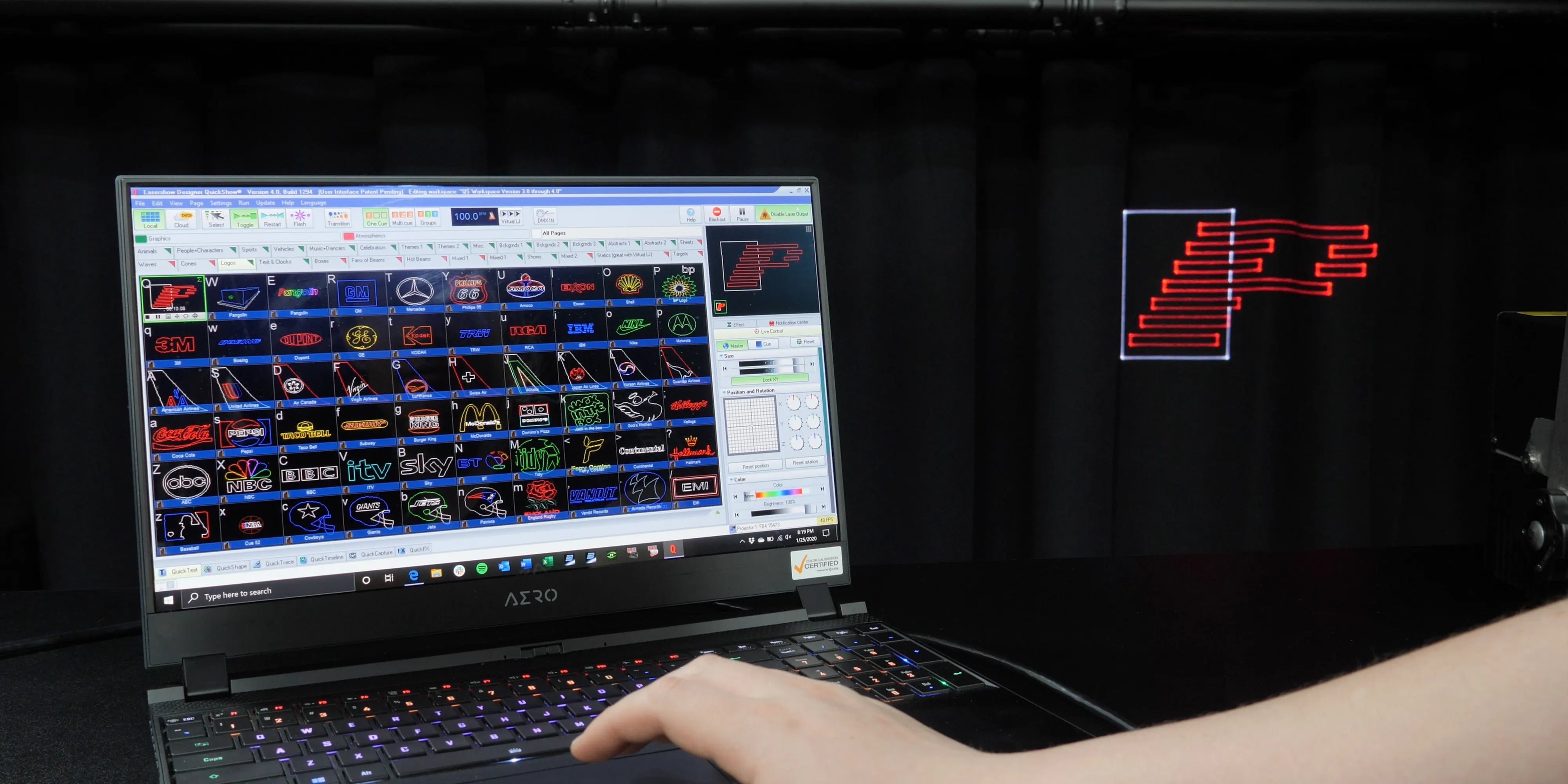

What is PC Mode?
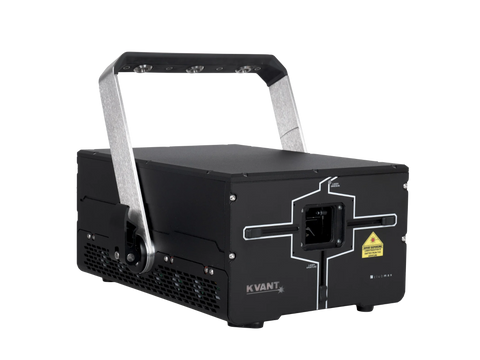
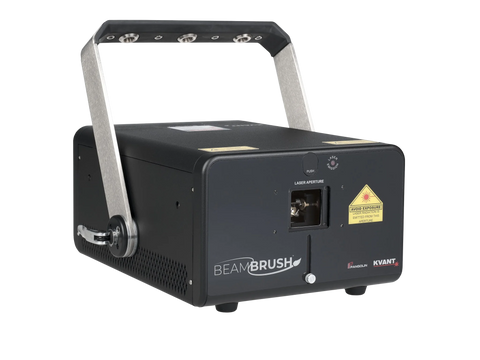
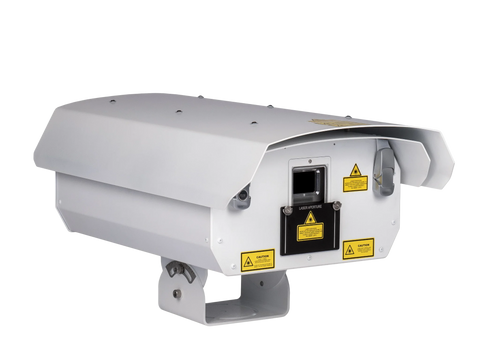
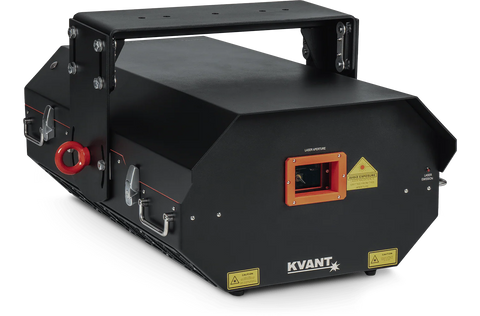
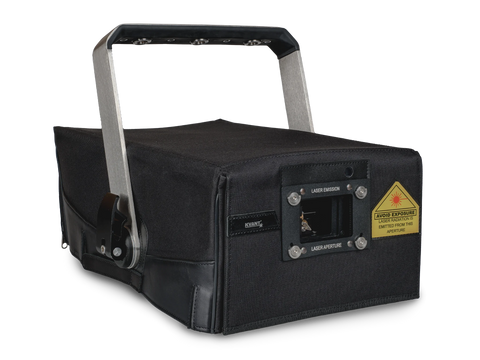
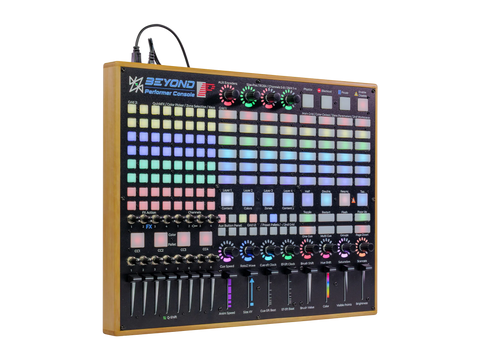
PC mode, also called “streaming mode” is where you are controlling your laser show from a PC, using software such as Pangolin QuickShow or BEYOND. This can also be done in conjunction with a MIDI device (such as the Beyond Performer Console, APC MINI, or APC40). In simple terms, PC Mode is when your laser projector is "live-linked" to your computer. In this mode, the laser does nothing until your software tells it exactly where to point, what color to be, and how fast to move.
Console Control Quick Hints Videos
Common Questions
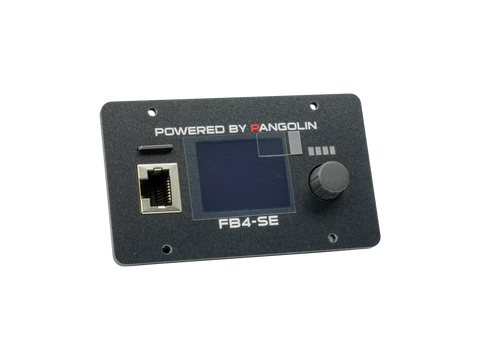
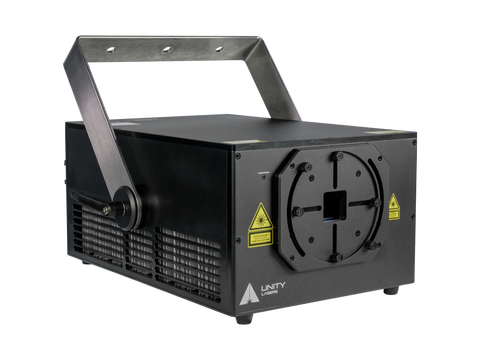
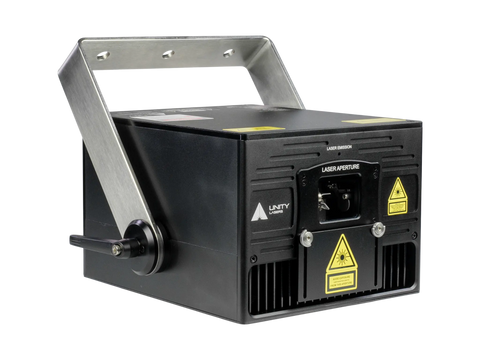
The video at the top of this page will show you how to control a laser with FB4 from a PC using software. In general, you simply run an ethernet cable from the PC directly to the back of the projector with FB4 inside, and you are setup and done.
If you're new to laser projectors and are looking into purchasing an ILDA based laser system, we suggesting following this link to get a better understanding of ILDA lasers, and the ways you can control them.
For those with an existing ILDA laser, there are two workflows to control it from a PC.
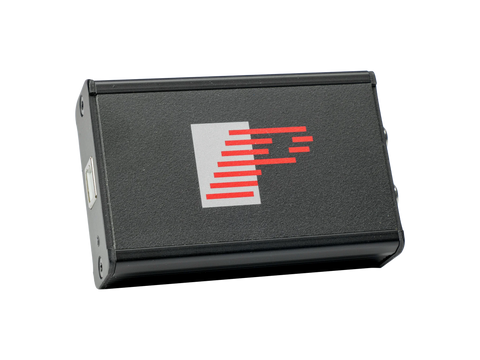
If you are using an ILDA laser, with an FB3QS, you simply connect the FB3QS to your PC via a USB cable, and then connect an ILDA cable from the FB3QS, to the back of your laser projector. Click here to find out more about FB3QS.
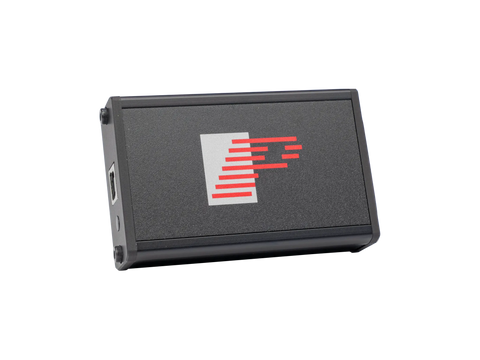
Using an ILDA laser, with an FB4 External system, you will connect the FB4 External system to your PC via an ethernet cable. And then, connect an ILDA cable from the FB3QS to the back of your laser projector.
Pangolin products all support the MIDI protocol. As such, you can easily control lasers using MIDI devices and Pangolin software such as QuickShow or BEYOND.
If you are using QuickShow software, we recommend the APC MINI MK2 console, as the software has a customized map, already made for the device.
If you are using BEYOND software, we recommend the APC40 MK2, as the as the software has a customized map, already made for the device.
Yes there is. You can access all of our connection diagrams on our Pangolin Wiki page.